📥 Inbox - What’s New?
Fragile businesses leave customer support up to chance. Successful businesses run on systems, not just for sales and operations but also for communications. Inbox is about systematizing customer communications and support. Say hello to consistency, fast service, and excellent customer experiences.
We’re preparing Inbox for upcoming launch and we’ve added a ton of features in the past few months. We couldn’t cover them all in one post, so here’s a highlight reel:
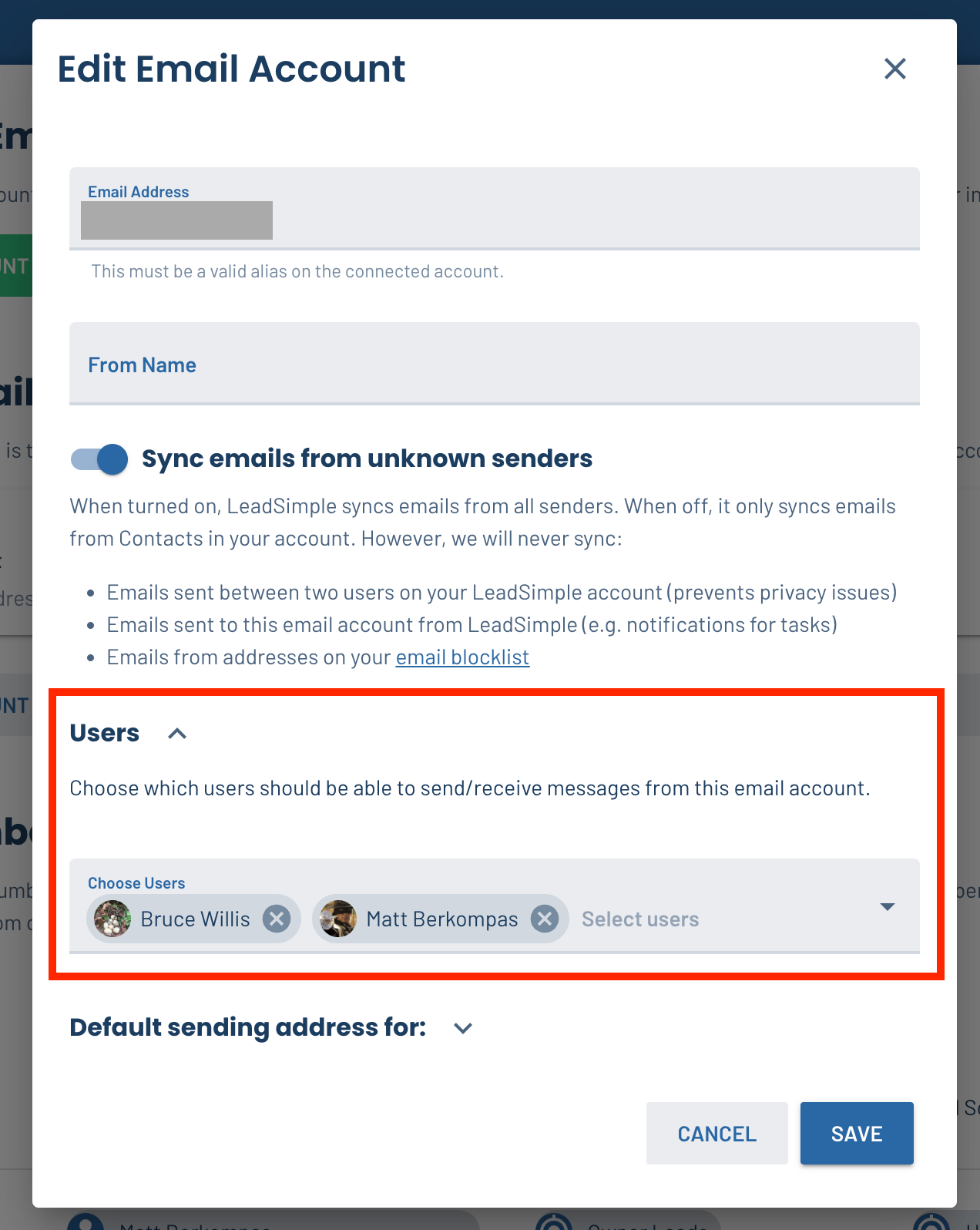
- ✅ Email account permissions (the ability to give users access to shared email accounts directly by editing the email account)
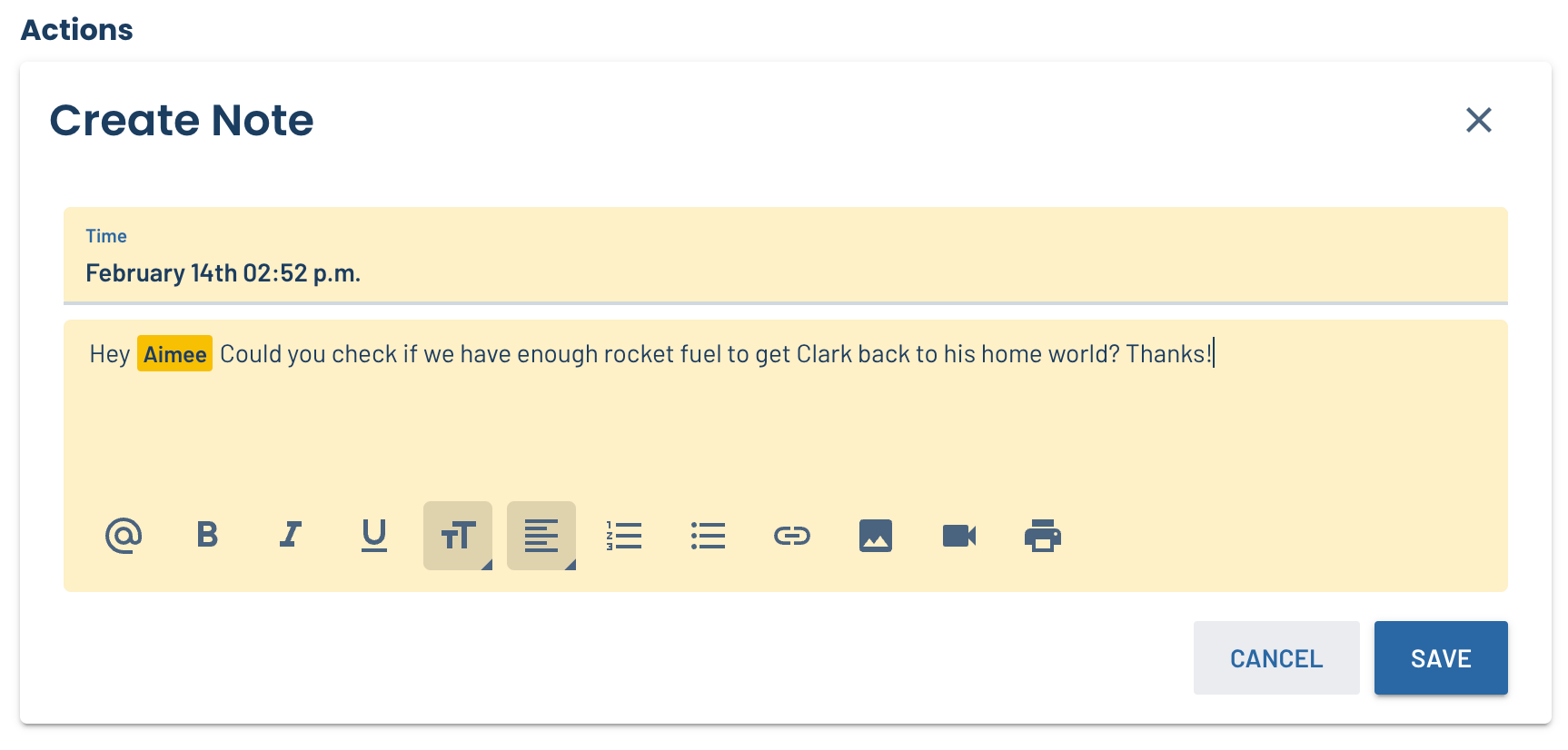
- ✅ @mentions in Notes (on processes, leads and Inbox conversations)
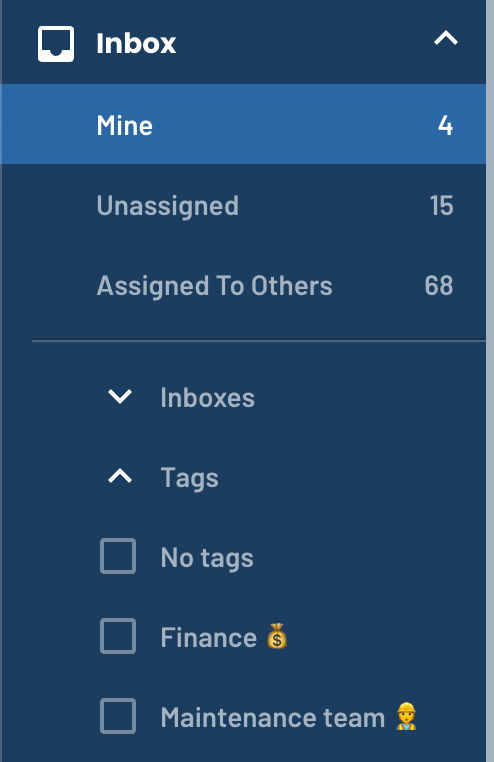
- ✅ Better filtering and navigation in Inbox (including tags and UX improvements)
- ✅ Option to sync all emails from a connected email account so you don’t have to log into Gmail/Outlook
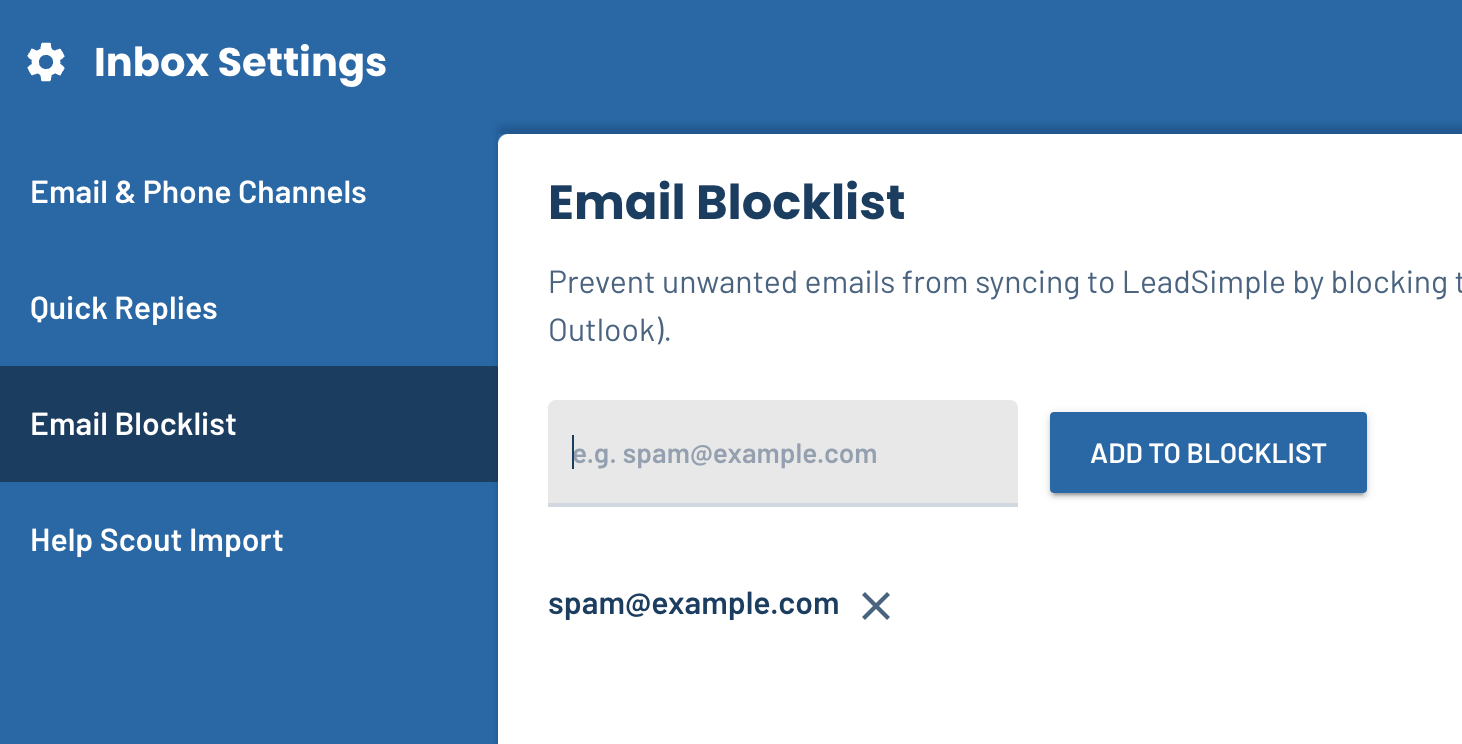
- ✅ Email blocklist to prevent certain email addresses from syncing emails to LeadSimple
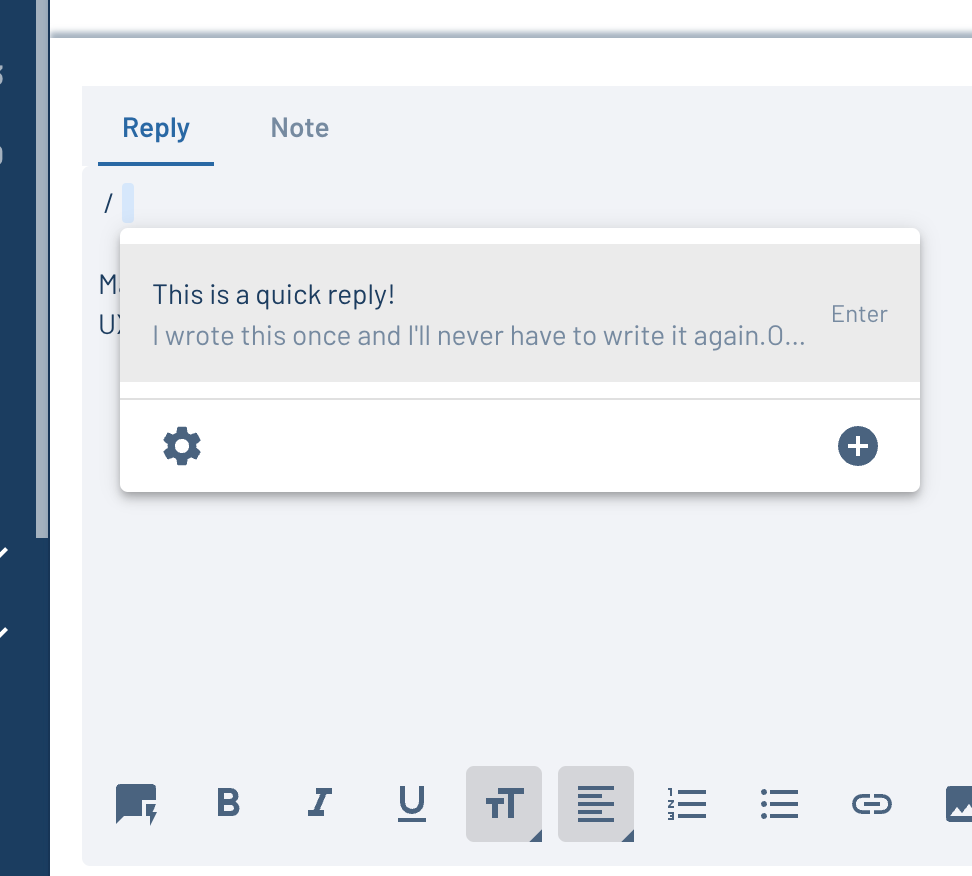
- ✅ Quick Replies in email and text conversations in Inbox to quickly embed snippets of text. Write a reply once; never write it again.
Here’s a quick photo gallery showing off a few of these features:
In Progress
- Real time updates to Inbox (without a page refresh)
- Searching conversations in Inbox
- Inbox Zapier integration
- Email import tool for Help Scout
- HTML view support in email activities
Want to start using Inbox before the rest of the world? Email beta@leadsimple.com to join the early adopter waitlist!
✨ New Features
🎉 Big news. Only track relevant communications on processes! Many of you experienced issues with irrelevant emails being tracked on processes. The activity feed was crammed with emails that had nothing to do with the process, though they were related to the owners or tenants on that process.
This new feature allows you to choose which calls/emails/texts show up on processes and leads.
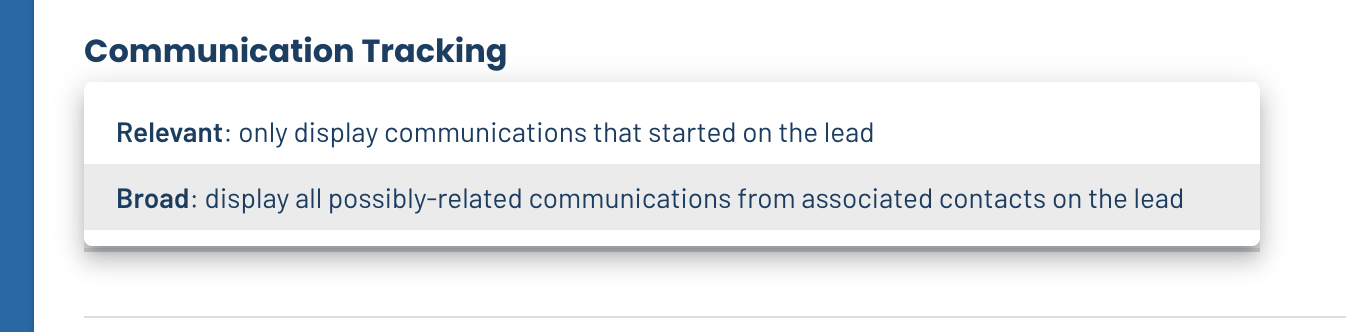
- Relevant only shows communications threads that started on that process/lead
- Broad shows all communication threads involving the contacts on that process even if they originated from other lead or process records You choose.
To configure this setting, navigate to Settings > Process Type (or Pipeline) Settings > General and scroll down to “Communication Tracking”.
☎️ Play the lead’s name on incoming call notifications Previously when you receive an inbound call, it reads the caller ID or the phone number of the inbound caller, but it did not read the name so you didn’t know who was calling. Now the notification reads the name of the lead so you know who’s calling and can quickly look them up in LeadSimple.
🐛 Bug Fixes
Per usual, bugs were squashed in the past two weeks. If you encountered these ones, we apologize, and appreciate your patience while we get these taken care of!
- Fixed an issue where print button was not available on email templates
- Fixed an issue where phone numbers couldn’t be added/removed from profile settings
- Fixed an issue where merge tags would sometimes display a blank value
- Fixed an issue where the URL for saved views would not copy to your clipboard correctly